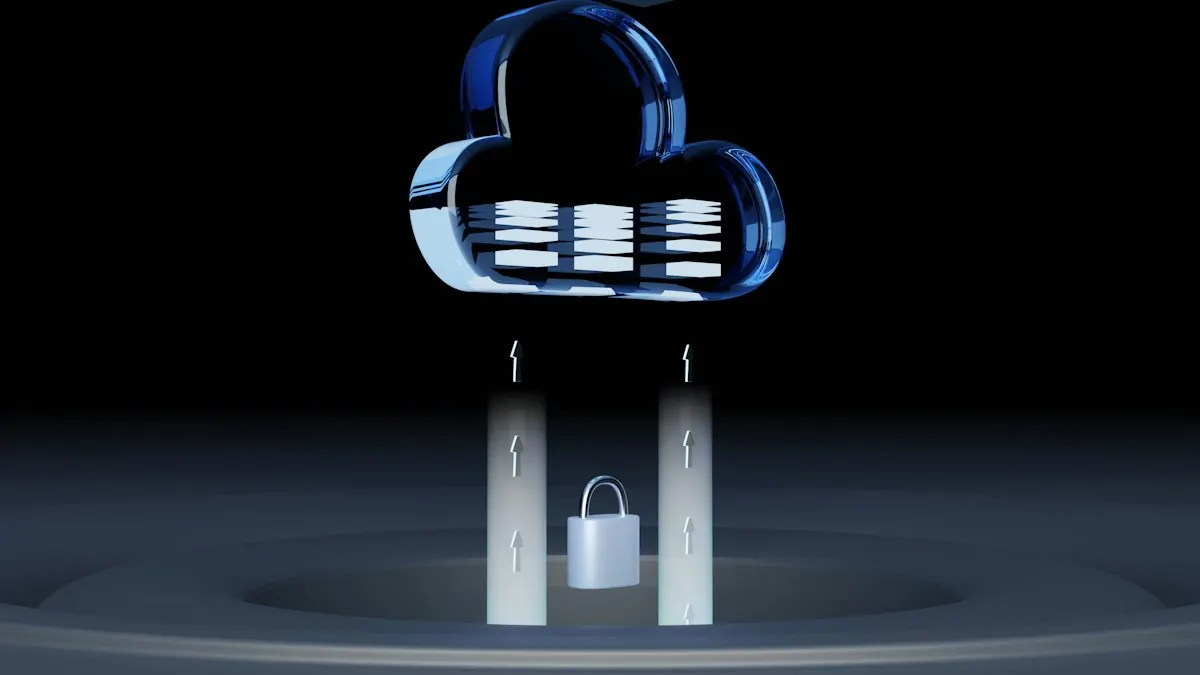
Many businesses confuse simple folder syncing with true system backups. If your team relies solely on tools like Microsoft OneDrive or Google Drive, your files remain exposed to ransomware. When local files are encrypted by malware, the sync client views this simply as a file edit—instantly mirroring the locked files to the cloud.
To secure your database records, accounting sheets, and customer logs, you need one-way vaulting. We implement hybrid, isolated backups following the CISA 3-2-1 backup strategy guidelines (PDF): keeping three separate copies of your data, stored on two different media types, with one copy isolated offsite.
"A backup system is only as good as its restore speed. We design recovery systems where we can retrieve files or restore server virtualizations in minutes, not days."
Our Cloud & Backup Capabilities
We safeguard your active databases, files, and server systems by deploying:
- Automated, Isolated Vaulting: We set up encrypted offsite backups that run silently in the background on separate system admin credentials. Even if ransomware gets control of a laptop, it cannot access or encrypt your backup vaults.
- System Virtualization: In the event of a physical server failure, we can run virtualized versions of your databases in the cloud. This business continuity ensures your team keeps working while physical hardware is replaced.
- Continuous Monitoring & Restoration Testing: Backups must be tested regularly. We monitor replication logs around the clock and run restore dry-runs to ensure your backup data is clean, complete, and restorable during an emergency.
Secure Cloud Migrations
We assist businesses in migrating legacy onsite servers to secure cloud solutions (like AWS or Microsoft Azure). By balancing local files with cloud databases, we streamline access times and keep software licensing and server hardware fees under control.
Protect Your Data Integrity
Do not wait for a disk failure or malware attack to verify if your backups actually work. Take our quick 60-second IT Health Quiz to find critical weak points in your data sync setups, or reach out to James Hatch to audit your backup vaults.