Every office manager or business owner agrees that backing up data is critical. But if you ask them how their files are backed up, the answers vary wildly—ranging from "I plug in an external drive on Fridays" to "I think our IT company handles it."
Having spent 18 years consulting for medical clinics, professional firms, and manufacturing operations, I have witnessed nearly every backup configuration fail at some point. The cause is rarely the technology itself; rather, it is choosing the wrong methodology for the operational reality of the business.
"A backup plan is only as good as its recovery speed. If it takes three days to restore your system, a complete backup hasn't saved you from severe operational downtime."
Let's break down the three primary business backup methodologies, highlighting their practical pros and cons.
1. Local Backups (Onsite Hardware)
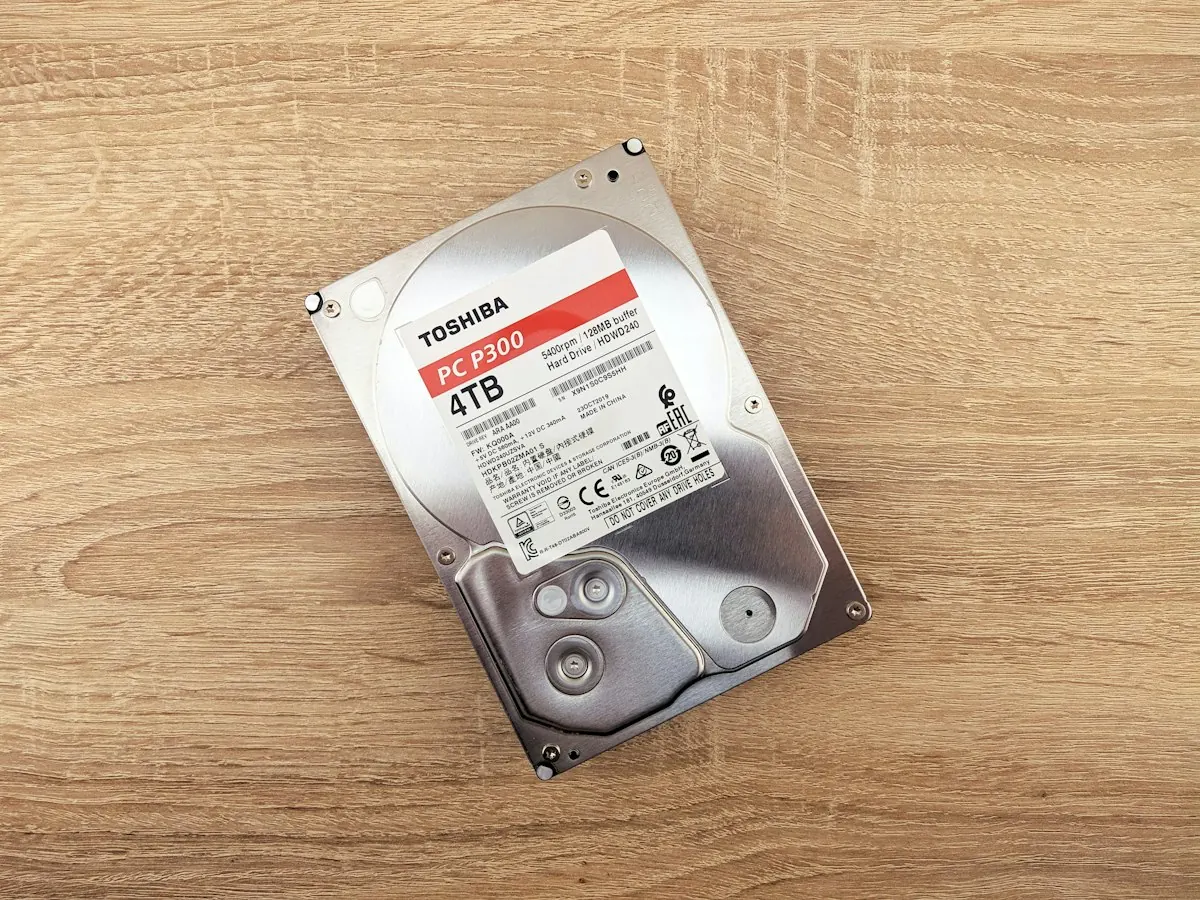
This involves copying your files to hardware physically located in your office, such as USB external drives, network-attached storage (NAS) boxes, or local servers.
- Pros: Restoring files is extremely fast because data travels over your local office cables rather than the internet. There are no monthly cloud subscription fees.
- Cons: Highly vulnerable to physical disasters. If your office suffers a fire, flood, theft, or localized electrical surge, both your active computers and your onsite backups can be destroyed simultaneously.
2. Cloud Backups (Offsite Remote Servers)
Here, backup software runs quietly on your office computers and servers, automatically encrypting and copying your documents to secure remote data centers over the internet.
- Pros: Safely isolated from office disasters. The process runs automatically without requiring employees to remember to swap drives. It also keeps historical copies (versioning), allowing you to recover files from days or weeks before a ransomware infection occurred.
- Cons: Recovery speed is limited by your office internet connection. Restoring a few files is quick, but restoring an entire database can take hours or even days if your internet bandwidth is slow.
3. The Hybrid Strategy (Onsite + Offsite)
Also known as the "3-2-1 rule," this approach combines local and cloud backups. This methodology is heavily recommended in the CISA StopRansomware Guide (PDF): keeping 3 copies of your data, on 2 different media types, with 1 copy stored securely offsite.
- Pros: You get the best of both worlds: rapid recoveries for minor file losses, and absolute protection against total office disasters.
- Cons: Higher initial setup cost and slightly more complex configurations, which require professional IT management to monitor and test regularly.
Determining the Right Fit
If your office cannot afford to be offline for more than a few hours, a hybrid strategy is essential. If you run a small office with mostly documents, a fully managed cloud backup solution will keep you safe without high hardware overheads.
Unsure if your current backup setup will actually protect you during an emergency? Take our quick 60-second IT Health Assessment to receive a clear diagnostic overview of your backup integrity, or contact me directly to review your system.